First-Time Sign-in
When a user logs into the Cloud Management Portal for the first time, they must complete the mandatory verification steps to activate their account. These steps ensure compliance and enable seamless financial transactions within the portal.
Upon login, users will see a welcome message along with the required verification steps. The status of each step is displayed to indicate whether action is needed.
Mandatory Verification Steps
1. KYC Verification Process :
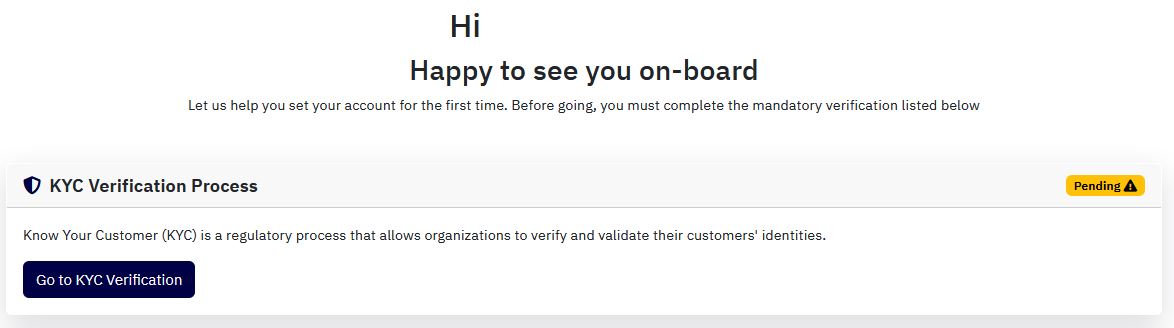
Know Your Customer (KYC) is a regulatory requirement that allows organizations to authenticate and validate user identities. Completing this step is essential for ensuring secure access and compliance with legal requirements.
-
Click on "Go to KYC Verification" to begin the process.
-
Submit the necessary identity documents and complete the verification steps.
-
Once approved, the KYC status will be updated.
2. Payment Configuration :

Setting up a payment method is crucial to ensure smooth and secure financial transactions within the Cloud Management Portal.
-
Click on "Go to Payment Setup" to configure the preferred payment method.
-
Enter the required payment details and complete the setup process.
-
Once the payment configuration is successfully completed, this step will be marked as verified.